 TektonAI
Tutorials
Learn from real examples
Step-by-step tutorials, with the prompts to copy into Claude, to get the most out of our tools.
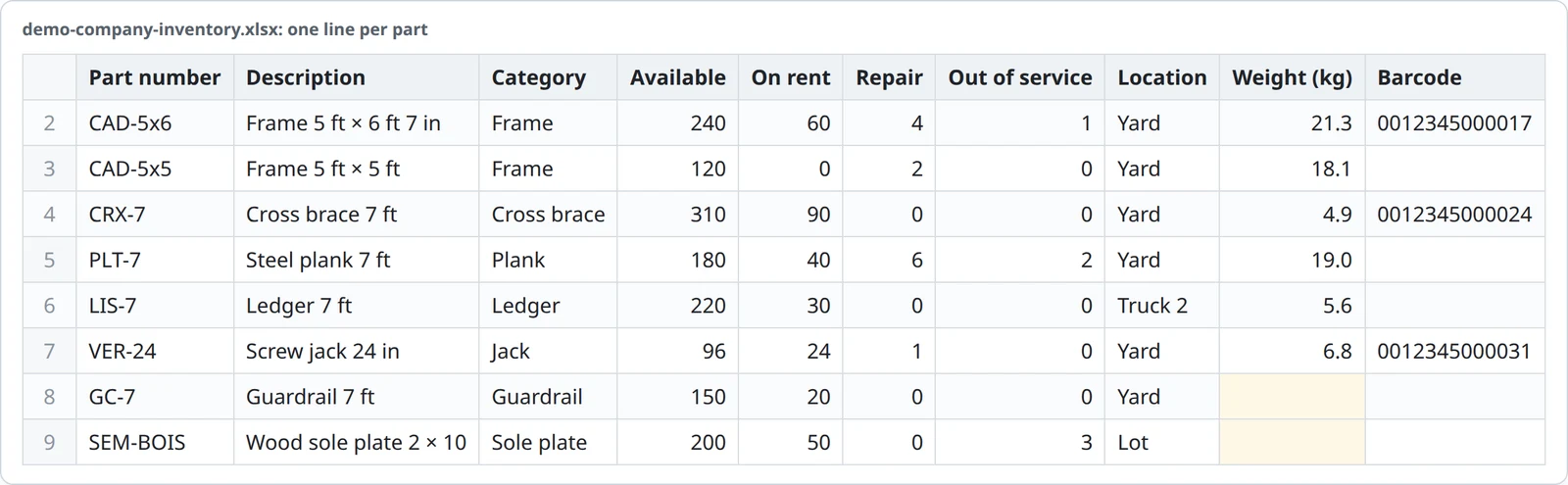
Import your inventory from Excel
Bring your parts list into Inventory from an Excel or CSV file: upload, preview, columns, confirmation, summary and incomplete records.
Read the tutorial ›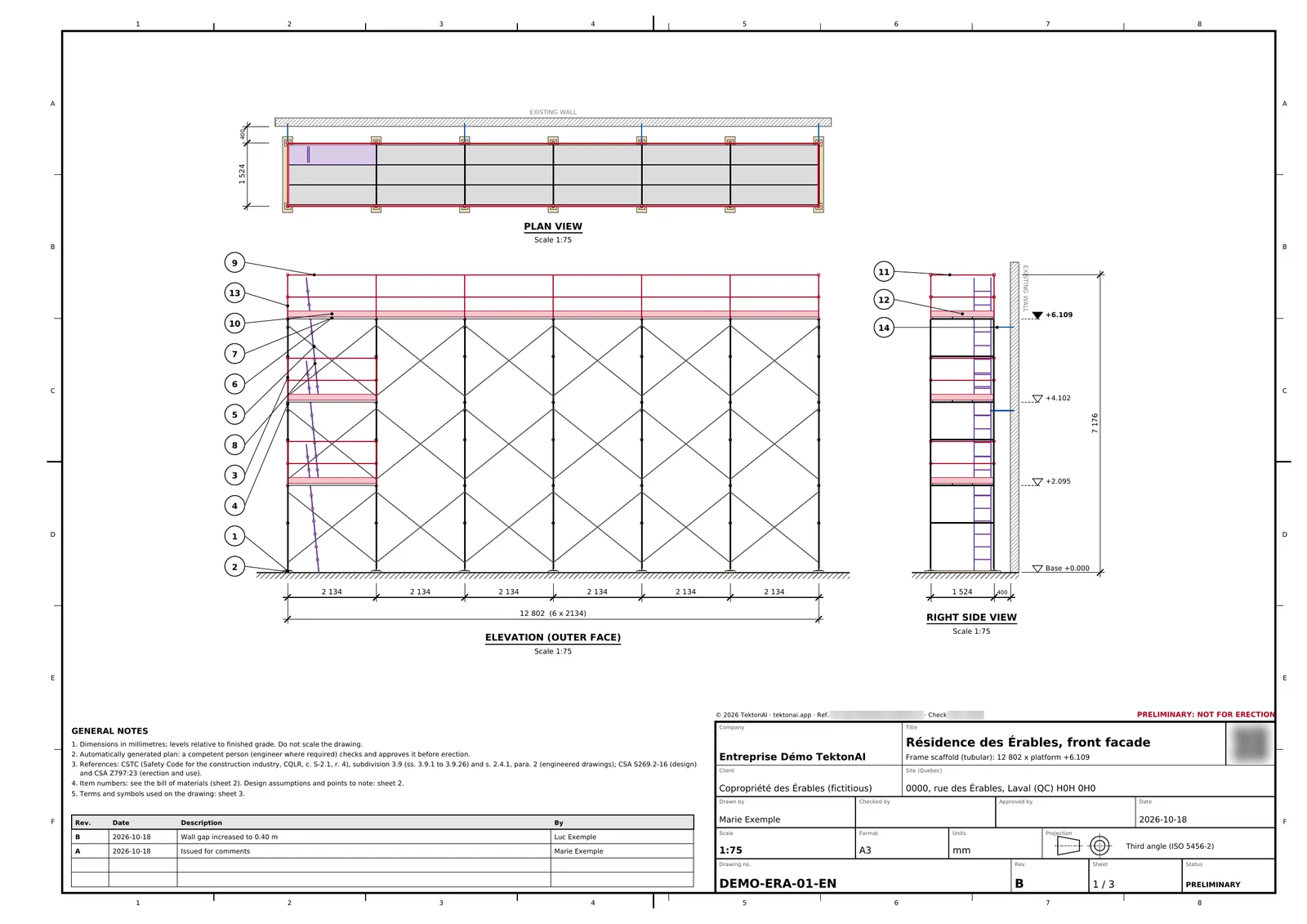
Make a scaffold plan with your own parts
A scaffold plan made with the parts of your fleet: your bays, your part numbers and your weights. The parts you lack are clearly flagged.
Read the tutorial ›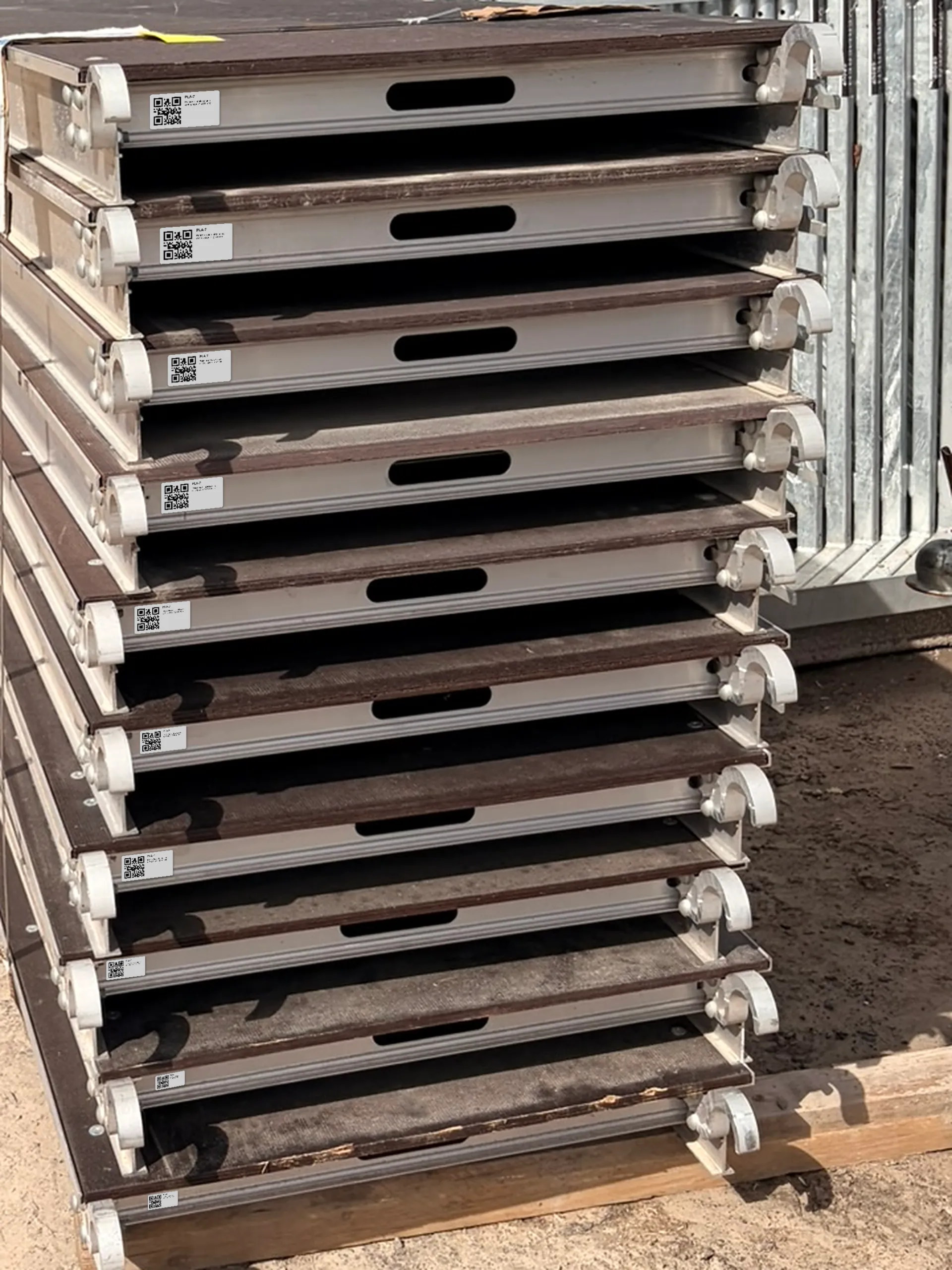
Label your fleet with QR codes and track it from your phone
Print QR or Code 128 labels for your parts, scan them with your phone and link an unknown code to the right part.
Read the tutorial ›
Revise a plan and track its versions
Change a scaffold plan without starting over, complete its checks through a form, see who made each revision and check a document.
Read the tutorial ›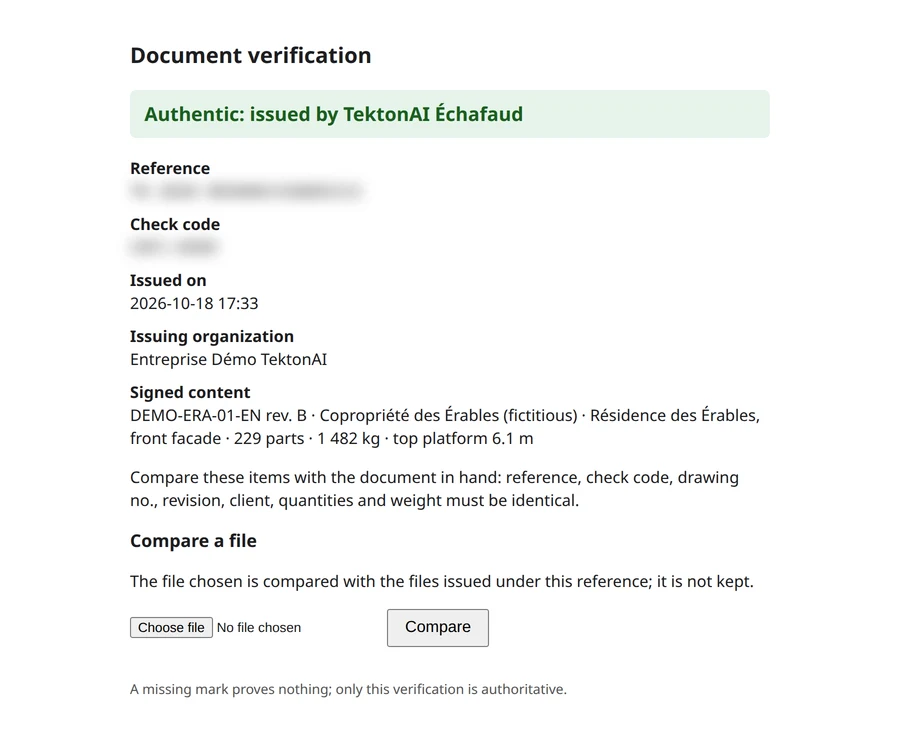
Check that a TektonAI plan is authentic and protect yourself from fakes
Where to find a plan's reference, how to check it online, what the check proves and does not prove, and what to do if in doubt.
Read the tutorial ›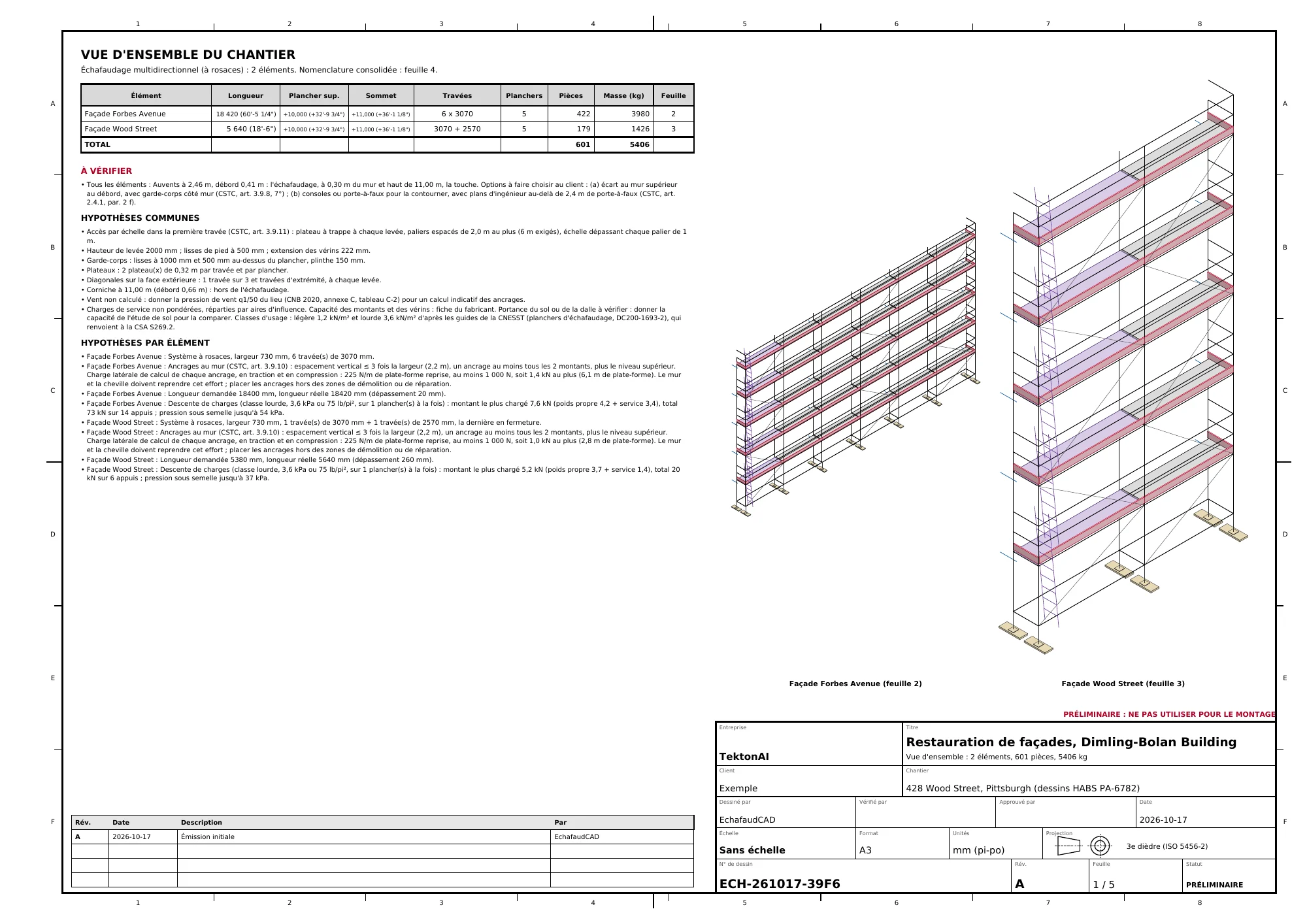
From architectural drawings to a 3D and PDF scaffold plan
Attach architectural drawings to Claude: it reads the dimensions, you make the choices, Scaffold draws the scaffold. A real example, from start to finish.
Read the tutorial ›
Get started with TektonAI and set it up for your company
From the invitation to your first plan in your company's name: workspace, team, Claude, logo, parts and default settings.
Read the tutorial ›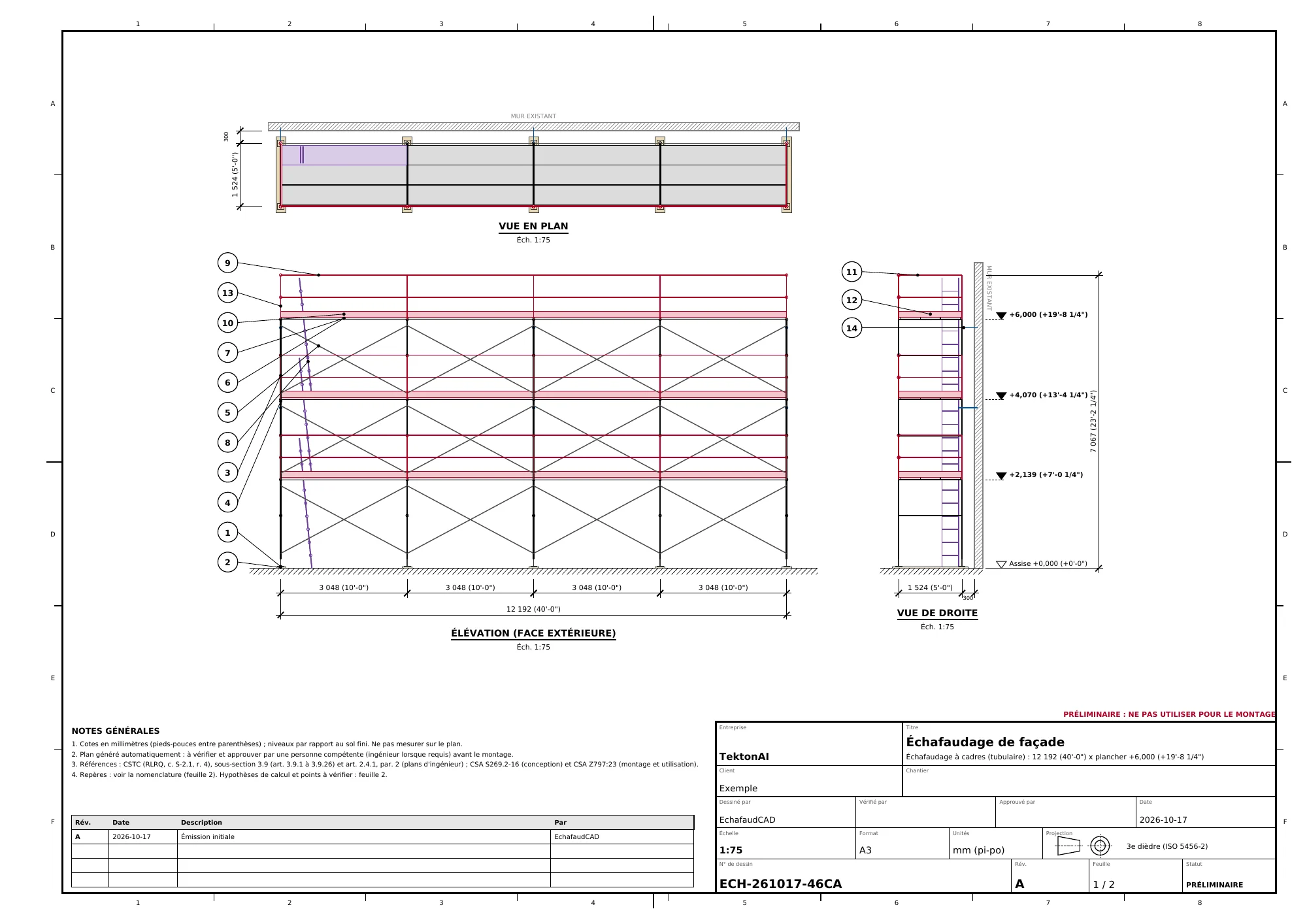
How to create an accurate 3D scaffold plan with TektonAI
The prompts to give Claude for a dimensioned scaffold plan, its bill of materials and its 3D model with Scaffold, step by step.
Read the tutorial ›